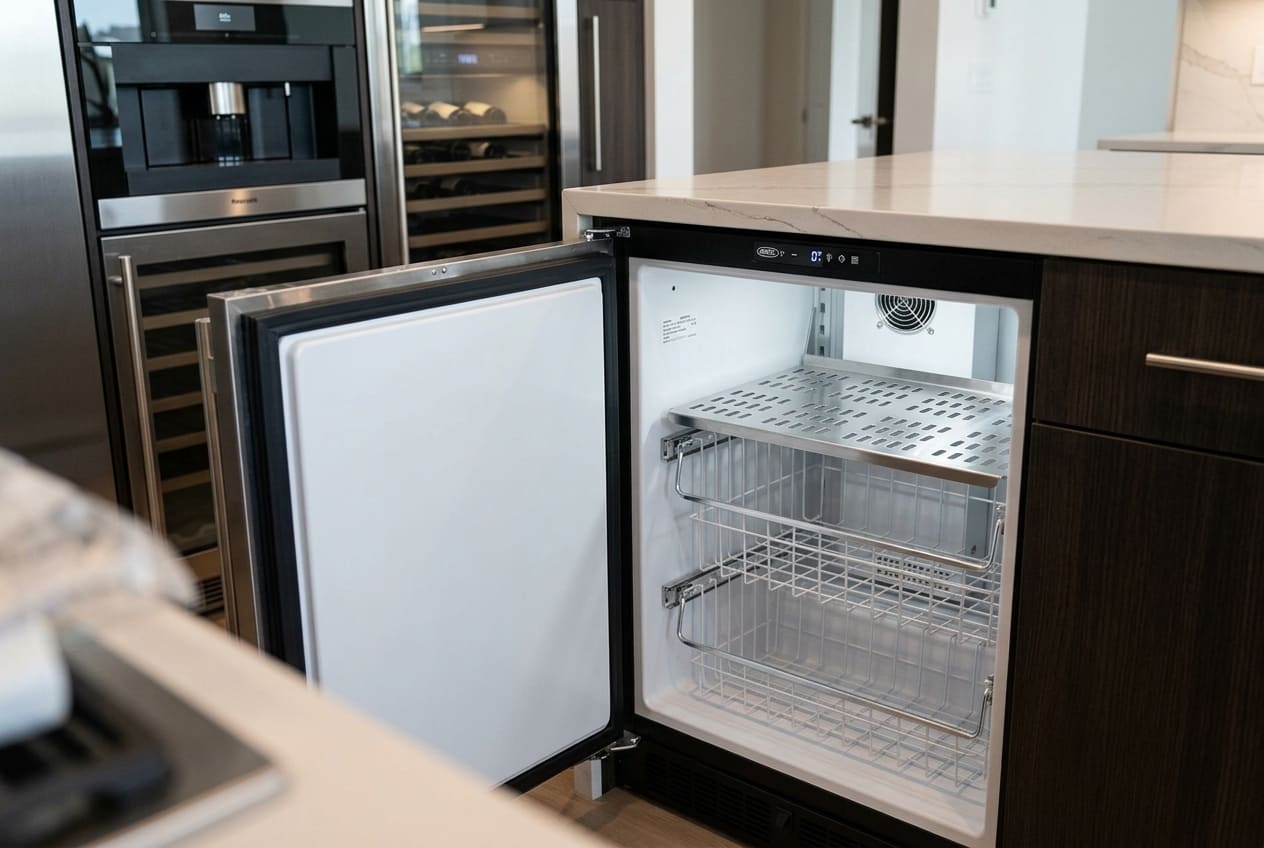
Your Marvel freezer is flashing something on the display, and searching for answers has brought you here. That’s the right first move — because what those codes mean, and more importantly, what they require from you, varies significantly depending on which code is showing.
Marvel uses a proprietary control interface called Marvel Intuit Controls. It’s the digital brain managing temperature, maintenance reminders, and alarm functions across Marvel’s undercounter refrigeration and freezer lineup. Marvel Refrigeration is a brand owned by Middleby Corporation — the same parent company behind U-Line and Asko. It has no connection to Sub-Zero Group, which is a separate company entirely. This matters for one practical reason: if you search for error codes and land on Sub-Zero documentation, the codes don’t apply. The control systems are completely different. Make sure any troubleshooting resource you consult is specific to Marvel.
The Marvel Intuit Controls error codes this article covers are: E1, E2, cL, Do, Hi and Lo, and Loc. That’s every documented code in the system. Some of them — cL, Do, and Loc — are maintenance reminders or status alerts you can clear yourself. Others — E1, E2, and a persistent Hi alarm — indicate component-level faults that require a technician.
The table in the next section is the fastest way to identify your code and understand what you’re dealing with. Read it first, then go to the relevant section for full details.
Marvel Intuit Controls Quick Reference Table
Before anything else, find your code in the table below. The “Section” column tells you exactly where to go for the full explanation and reset procedure.
Code | Displayed As | Meaning | Severity | DIY Fix Possible? |
E1 | E1 | Temperature sensor (thermistor) fault | High | No |
E2 | E2 | Defrost temperature sensor fault | High | No |
cL | cL | Condenser cleaning reminder | Low | Yes |
Do | Do | Door ajar — open >10 minutes | Medium | Often yes |
Hi | Hi | Temperature too high (>10°F above setpoint for >1 hour) | Medium–High | Depends on cause |
Lo | Lo | Temperature too low (>10°F below setpoint for >1 hour) | Medium | Usually no |
Loc | Loc | Control panel lock active | None | Yes |
Marvel E1 Code: What It Means and How to Diagnose It
The Marvel E1 error code is a temperature sensor fault — specifically, a problem with the thermistor that monitors the internal temperature of your unit. When the control board detects that the thermistor is sending readings outside its expected resistance range, it registers the fault and displays E1.
This is the most technically involved single code in the Marvel system. It has two distinct possible causes, and they require different responses.
What Triggers the Marvel E1 Code
On Marvel Intuit Controls models, the thermistor sends a continuous resistance signal to the control board. As temperature changes, so does the resistance reading. The board knows what range to expect — typically between 10k and 20k ohms at room temperature — and when the reading falls outside that range consistently, it triggers E1.
On dual-zone models, there are separate sensors for each compartment. An E1 fault on one of those sensors will display in the zone where it detected the problem, which can help narrow down which thermistor has failed.
Marvel’s Intuit Controls system does have a diagnostic mode accessible via a specific button sequence — press the warmer button four times, then the colder button — but entering diagnostic mode without knowing the expected readings for your specific model is unlikely to help. Without the baseline values, the raw data means nothing, and an accidental input during diagnostic mode can inadvertently reset things you don’t intend to reset. Leave diagnostic mode to a technician.
Can You Test the Thermistor Yourself?
With a multimeter and some appliance repair experience, you can test a thermistor. The sensor should read approximately 10k–20k ohms of resistance when measured at room temperature. A reading that’s open-circuit (infinite resistance) or zero indicates a failed sensor.
The catch is access. On most Marvel undercounter models, the thermistor is mounted inside the cabinet behind an interior panel. Reaching it requires removing shelves, then the interior liner panel, and sometimes disconnecting the wiring harness. If you’re not comfortable with that level of disassembly, or if you’re uncertain you can reassemble it correctly, this is a job for a technician.
Think of this section as “here’s what the technician checks,” not a DIY instruction.
What Happens Inside the Unit When E1 Triggers

When the thermistor signal drops out or reads outside its expected range, the Marvel Intuit Controls board loses its primary temperature reference. It can no longer regulate the compressor cycle normally — it doesn’t know whether the cabinet is at setpoint or ten degrees above it.
To protect the contents from a full thaw, the board switches into a failsafe mode: the compressor continues to run on a fixed timer rather than responding to live temperature data. The unit keeps cooling, but it’s working blind — cycling on and off on schedule regardless of actual internal conditions. This is why you may notice the unit still feels cold after an E1 code appears. “Still running” doesn’t mean “running correctly.”
If your unit shows E1 and the Hi alarm has also appeared, the board has likely been in this degraded mode long enough for the temperature to drift out of range. At that point, a sensor replacement is urgent — not just a scheduled repair. Refrigerant work, if needed during a broader inspection, is handled by our EPA-certified technicians.
Marvel E2 Code: Temperature Sensor Alarm in the Upper Compartment
E2 is a defrost temperature sensor fault, typically in the upper zone on dual-zone Marvel models. While E1 relates to the primary temperature-monitoring thermistor, E2 involves the sensor that governs the defrost cycle — the system that periodically warms the evaporator to prevent frost accumulation.
When the defrost sensor fails, the defrost cycle loses its control reference. Without knowing the correct temperature, the defrost system can’t operate properly, leading to frost buildup that eventually insulates the evaporator and degrades cooling. If you see E2 and the unit is still cooling, the problem is present but hasn’t yet caused full cooling failure. If you see E2 and the unit has also stopped cooling, the situation is urgent.
If your unit shows E2 and has stopped cooling: unplug it immediately. Running the unit without a functioning defrost sensor risks damaging the sealed refrigerant system — an outcome that’s significantly more expensive to repair than a sensor replacement. The moment cooling fails alongside an E2 code, power the unit down and call a technician.
The most common reasons an E2 sensor fails are age-related resistance drift, physical damage to the sensor or its mounting position, and wiring harness corrosion — particularly in environments with high humidity or where the unit has been through repeated freeze-thaw cycles. A wiring inspection is always part of any proper E2 diagnosis; a corroded connector can mimic a failed sensor on a multimeter test.
Temperature problems that don’t show E2 but are still chronic and unresolved often point back to the same sealed system and sensor chain. For a broader diagnostic view, see our guide on Marvel freezer temperature too warm.
Marvel cL Code: Your Unit Is Asking for Routine Maintenance
The Marvel cL code is not an error. Nothing has broken. The cL code is a scheduled maintenance reminder — the unit’s way of telling you it’s time to clean the condenser coils. It appears after a set number of operating hours, regardless of whether the coils are actually dirty.
That said, ignoring the cL code eventually creates a real problem. The condenser coils are the heat-rejection component of the refrigeration system — they’re where the heat absorbed from inside the unit gets released to the surrounding air. When they get coated with dust, lint, and debris, their ability to shed heat degrades. The compressor has to work harder and longer to achieve the same cooling. Over time, that leads to chronic Hi alarm events, elevated internal temperatures, and accelerated compressor wear.
Cleaning the condenser coils is an owner-accessible task on most Marvel undercounter models. Here’s the full procedure:
cL Code Reset Procedure (5 Steps):
- Unplug the unit. Never clean near the condenser with the unit running.
- Locate the condenser grille — on most Marvel undercounter freezers, it’s at the front base of the unit. Remove the grille if applicable.
- Brush the coils. Use a soft condenser coil brush or a vacuum with a brush attachment to remove dust and debris from the coil fins. Work gently — bent fins reduce airflow.
- Clean the condenser fan area if accessible. Debris on the fan blades reduces airflow across the coils.
- Restore power, then reset the cL counter: press the SET button 7 times until “cnd” appears on the display, then hold SET and press ON/OFF. The counter resets to 00. The cL reminder won’t reappear until the next scheduled maintenance interval.
The unit will continue to operate normally while cL is displayed — there’s no cooling shutdown triggered by this code alone. But if cL has been showing for weeks or months and you’ve been dismissing it, check whether a Hi alarm has also appeared recently. That combination is a sign the condenser’s condition has already started affecting performance.
Marvel Do Code: What Triggers the Door Open Alarm and How to Silence It
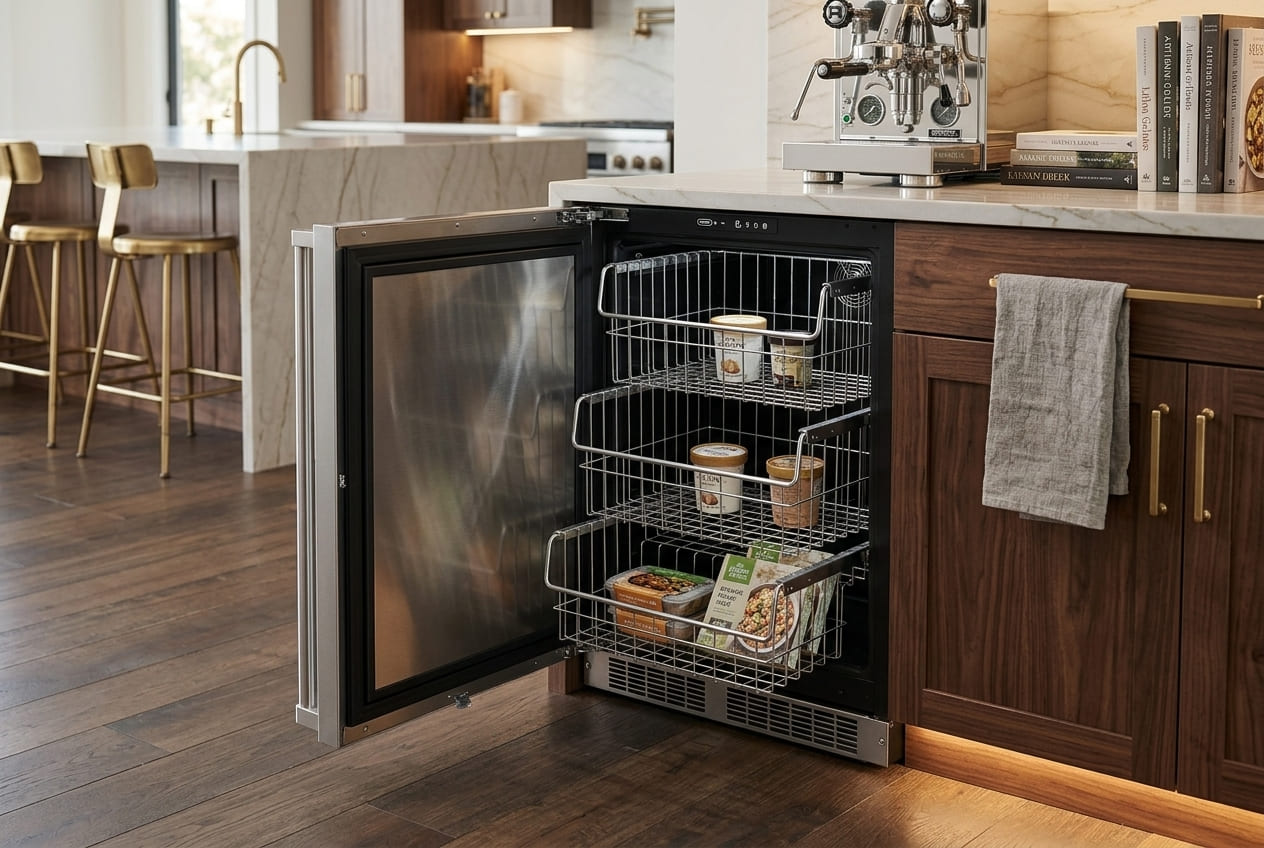
The Marvel Do alarm is the code that triggers the LED flash and the periodic beep most users notice first. Do activates when the door is open — or sensed as open — for more than 10 continuous minutes.
The mechanics of the alarm: the LED on the display flashes, and an audible alert sounds roughly every 60 seconds. To silence it temporarily, hold the alarm silence button for three to five seconds. The beeping stops. But silencing the alarm doesn’t fix whatever triggered it.
Here’s the key distinction: the Do alarm is a symptom, not a cause. It tells you the door sensor isn’t registering the door as closed. That can happen in two very different scenarios.
The first is straightforward — the door is physically open or ajar. Someone left it open, or it was leaned against without fully closing. In this case, close the door fully and the alarm will stop.
The second is more subtle — the door is physically closed, but the door switch or sensor isn’t detecting closure. This happens when the door switch is misaligned, worn, or has failed electronically. The door looks closed from the outside, the gasket appears to be seating properly, and yet the Do code keeps returning. That’s a sensor alignment or switch fault — and no amount of cleaning the gasket or adjusting the leveling feet will fix it.
If your Do alarm fires repeatedly even when the door appears to be fully closed, the issue is the switch or sensor — not the door itself. For the full door seal and closure diagnostic, including the paper test and flashlight test, see our guide on Marvel freezer door not sealing or won’t close.
Hi and Lo Alarms: When Marvel's Temperature Monitoring Triggers a Warning
The Marvel Hi alarm fires when the internal temperature exceeds the setpoint by more than 10°F for more than one continuous hour. The Lo alarm fires under the same conditions in the opposite direction — temperature drops more than 10°F below setpoint for more than one hour.
Of the two, Hi is far more common in real-world service calls. Lo alarm scenarios are relatively rare and typically involve thermostat miscalibration or a defrost system that’s overcorrecting and pulling temperature too low.
Hi Alarm: Start Here
The Hi alarm has multiple possible causes, and the right response depends on which one is actually present. Use the flow below to work through them in order:
If you see Hi alarm AND… | Most likely cause | First action |
cL code also showing | Dirty condenser coils reducing cooling | Clean condenser coils; reset cL |
Do code also showing | Door seal or sensor issue letting warm air in | Inspect door seal |
E1 or E2 also showing | Thermistor fault affecting temperature accuracy | Professional diagnosis needed |
Unit just loaded with warm products | Normal stabilization period | Wait 24–48 hours before assessing |
Setpoint was recently changed | Normal response to new target | Wait 24 hours |
None of the above — no other codes | Check ventilation clearance and ambient temperature | Ensure 3–6 inches of airflow clearance at grille |
None of the above — compressor running nonstop | Sealed system or compressor issue | Professional diagnosis; call a technician |
One important point: if the Hi alarm triggered during a temperature event — heavy loading, a power blip, a door left open — and the alarm is displayed but the current temperature looks normal, the alarm may simply be a residual display from the resolved event. Acknowledge and clear it. If it returns within 24 hours without an obvious cause, there’s an underlying problem that warrants investigation.
Lo Alarm: Less Common, Still Worth Diagnosing
The Lo alarm — temperature dropping more than 10°F below setpoint — points toward a thermostat or control board issue in most cases. The unit is overcooling, meaning the refrigeration system isn’t being told to stop when it should. In freezer models running at very cold setpoints, it can also reflect a sensor reading drift that’s sending incorrect data to the control board. Lo alarms that appear and then self-resolve without intervention often indicate intermittent sensor issues; Lo alarms that persist require a professional inspection.
Marvel Loc Code: The Control Panel Is Locked — Here's How to Unlock It
Loc on your Marvel display means the control panel lock is active. This is the most benign code in the system — nothing is wrong with the unit, and cooling is continuing normally at the last set temperature.
The Loc code is designed to prevent accidental setting changes — useful in homes with children, in commercial environments, or simply when the unit is somewhere it might get bumped. When Loc is active, the only button that responds is the Lock key itself.
To unlock: hold the Lock key until the display changes from “Loc” to “nLc.” The panel is now unlocked and all buttons are active.
If you’ve performed the unlock procedure and the panel still won’t respond, try a power reset — unplug the unit, wait five minutes, and plug it back in. In rare cases, a control board fault can cause the Loc state to persist even after the proper unlock sequence. If the panel remains unresponsive after a power reset, a board-level diagnosis is needed.
Marvel "ER" Code: Is It a Real Marvel Error?
A brief but important clarification: “ER” is not a documented Marvel Intuit Controls code. It does not appear in any Marvel service manual, technical documentation, or the official Marvel brand resources.
If you’re seeing what looks like “ER” on your display, the most likely explanation is a misread of E1 or E2 — on a small LED display, the digit “1” or “2” can be difficult to distinguish, especially at an angle or in dim light. Look at the display again straight-on, in good light.
If the display genuinely shows “ER” and it is not E1 or E2, unplug the unit for five minutes and restore power. An unrecognized display character can indicate a control board glitch that a power reset will resolve. If the anomalous display persists after a reset, call a technician — unpredictable display behavior is a sign the control board needs to be inspected.
Keeping Your Marvel Code-Free: An Annual Maintenance Schedule
The best way to deal with Marvel Intuit Controls error codes is to prevent the conditions that trigger them. Most of the codes covered in this article — including the Hi alarm, cL, and Do — are predictable and preventable with a consistent maintenance routine.
Code Prevented | Task | Frequency |
cL (and Hi from dirty coils) | Clean condenser coils; check grille for blockage | Every 6 months (every 3 months if dusty environment) |
Do (door sensor/seal issues) | Inspect door gasket; perform paper test | Monthly |
Hi (temperature drift from door) | Verify door closes fully under its own weight; check leveling | Every 6 months |
E1 / E2 (thermistor wiring failure) | Inspect visible wiring harness connections for corrosion or looseness | Annually |
Hi (ambient heat issues in Atlanta summers) | Confirm room temperature doesn’t exceed 86°F at unit location | Each spring before summer heat arrives |
For Atlanta owners specifically: Marvel specifies a maximum ambient temperature of 86°F (30°C) for proper operation. During peak Georgia summer heat — particularly in garages, utility rooms, or undercooled spaces — ambient temperatures can push past this threshold, which directly reduces cooling efficiency and increases Hi alarm frequency. Addressing the room environment is sometimes the simplest fix available.
Conclusion
Six documented codes. Three you can resolve yourself; three that require a technician. Here’s the short version:
- cL — clean the condenser coils and reset the counter. Nothing is broken.
- Do — check whether the door is physically open or the sensor has failed; often owner-resolvable, sometimes not.
- Loc — hold the Lock key until “nLc” appears. Done.
- E1 — thermistor or compressor issue; both require professional diagnosis.
- E2 — defrost sensor fault; if cooling has stopped, unplug immediately and call a technician.
- Hi/Lo — temperature has drifted outside acceptable range; start with the diagnostic flow in Section 7 to find the cause, escalate to professional service if the cause isn’t owner-resolvable.
The key point with Marvel Intuit Controls is that the system is brand-specific. Generic appliance troubleshooting advice — from forums, from other brands’ service documentation — doesn’t map cleanly onto these codes. The E1 code on a Marvel means something different from an E1 code on a different brand. Diagnosis done by someone who knows the Marvel system specifically produces faster, more accurate results.
FAQ
1. My Marvel freezer is showing the cL code — does that mean something is broken?
No — cL is a scheduled maintenance reminder, not a fault code. It appears when the internal maintenance counter reaches a set threshold, telling you to clean the condenser coils. The unit continues to operate normally while cL is displayed. Clean the coils using the procedure in Section 5, then reset the counter: press SET 7 times until “cnd” appears, hold SET, press ON/OFF. The code clears. Ignoring cL over an extended period can lead to reduced cooling efficiency and eventually a Hi alarm — but the code itself is not an emergency.
2. My Marvel unit keeps cycling back to the E1 code even after I've unplugged and replugged it — what should I do?
A persistent E1 code that returns immediately after a power reset means the thermistor is consistently reading out of range — it’s not a temporary fluctuation. The sensor needs to be tested with a multimeter and replaced if the reading is outside the 10k–20k ohm range at room temperature. Accessing the thermistor on most Marvel models requires removing interior panels, which is not a simple task. At this point, professional service is the right move.
3. My Marvel freezer's Hi alarm keeps going off even though the temperature seems okay — is the alarm system faulty?
The Hi alarm activates when the unit’s temperature exceeds the setpoint by 10°F for more than one continuous hour. If the displayed temperature appears fine when you check it, one of two things is likely: the thermistor is reading temperature inaccurately (a potential E1 situation, showing false-normal on the display), or the internal temperature actually is spiking — due to a door seal gap or condenser issue — but normalizing before you check. A 24-hour monitoring period, combined with a door seal inspection and condenser check, will usually surface the cause.
4. Can I enter the Marvel diagnostic mode myself to check what's wrong?
You can — the diagnostic mode on Intuit Controls models is entered via a specific button sequence. But interpreting what you see requires knowing the expected sensor values for your exact model, and entering the mode incorrectly or pressing the wrong button during the sequence can trigger unintended resets. Without a technician’s knowledge of the expected readings for your specific unit, you’re unlikely to get actionable information from diagnostic mode. Consult the owner’s manual for your model first; if that’s not available, have a technician run the diagnostic.
5. My Marvel displays a code I can't find in any list — it looks like "ER." What does that mean?
“ER” is not a standard Marvel Intuit Controls code. It almost certainly is a misread of E1 or E2 on the display — look again straight-on in good lighting. If it is genuinely not E1 or E2, unplug the unit for five minutes and restore power. Unexplained display characters often resolve with a power reset. If the display still shows an unrecognized code after the reset, the control board needs professional inspection.
6. Does the Marvel Loc code mean the whole unit is locked, or just the display?
Only the control panel is locked — the unit continues refrigerating normally at its last set temperature. Cooling is unaffected. To unlock: hold the Lock key until the display changes from “Loc” to “nLc.” All buttons then respond normally. If the unlock procedure doesn’t work, try a five-minute power reset. Persistent unresponsiveness after a reset indicates a control board issue that requires professional diagnosis.